Waiting for the next Daily Top 10 update…











Outspell
0
0
0
- Developer
- Independent Studio
- Added to Site
- Jul 8, 2026
- Technology
- HTML5
- Platform
- Web Browser
Game Introduction
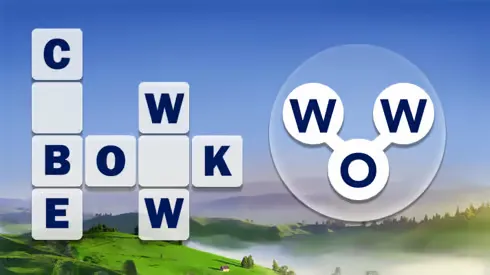
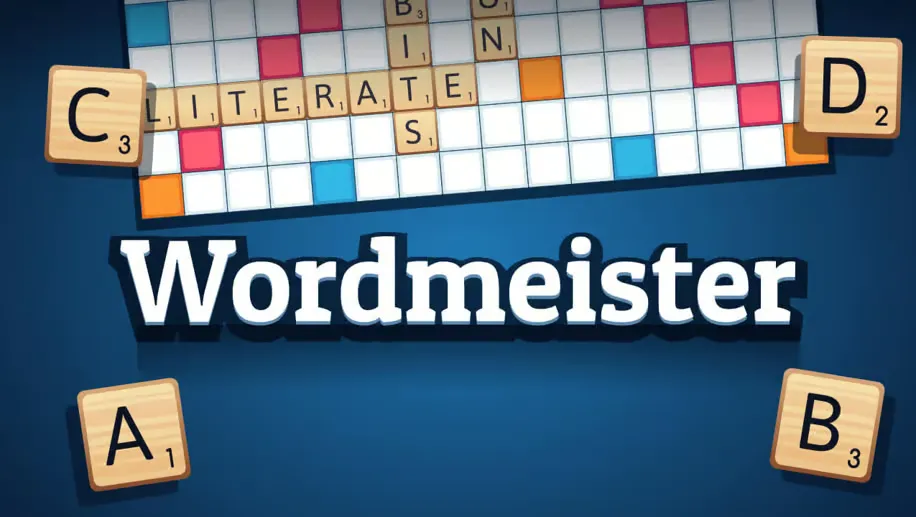
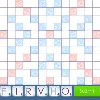
Outspell is an exciting word game that challenges your vocabulary and strategic thinking. Create words from letter tiles on a game board to score points and defeat opponents. With special bonus tiles and tactical placement options, Outspell offers a perfect blend of word knowledge and strategy!
Gameplay
Game Features
- Strategic word-building gameplay
- Special bonus tiles for extra points
- Multiple difficulty levels
- Single player and multiplayer modes
- Educational and fun for all ages
- Improves vocabulary and spelling skills
Tips for Success
• Learn two and three-letter words to increase your options
• Save high-value letters for bonus squares
• Look for opportunities to play parallel words
• Block your opponent's access to bonus squares
• Balance your rack by using a mix of consonants and vowels
Game Controls
- Use your letter tiles to form words on the game board
- Place tiles strategically to maximize points
- Utilize bonus squares for double and triple letter or word scores
- Connect to existing words on the board
- Score points based on letter values and bonus squares
Frequently Asked Questions
What is Outspell?
Outspell is a browser game that you can launch directly from this page without installing a separate app.
How do I start playing Outspell?
Select Play now in the game area above. The game will load in the same page, and its controls will appear when it is ready.
What controls does Outspell use?
Controls vary by game and device. Desktop games commonly use the keyboard and mouse, while supported mobile games provide on-screen controls.
Do I need to download Outspell?
No separate download is required. A modern browser with JavaScript and WebGL enabled is recommended.
Comments (0)