Waiting for the next Daily Top 10 update…
















HangARoo

0
0
0
- Developer
- Independent Studio
- Added to Site
- Jul 8, 2026
- Technology
- HTML5
- Platform
- Web Browser
Game Introduction
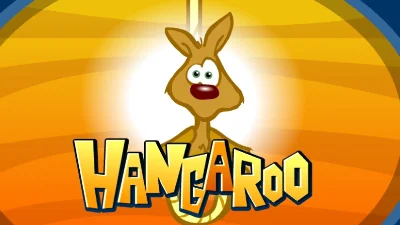
HangARoo is a fun twist on the classic hangman game with an adorable kangaroo theme! Guess letters to reveal hidden words before the kangaroo runs out of chances. With thousands of words across multiple categories, this game offers endless word-guessing entertainment for players of all ages!
Gameplay
Game Features
- Cute kangaroo-themed hangman gameplay
- Multiple word categories to choose from
- Thousands of words to guess
- Helpful hints and clues
- Progressive difficulty levels
- Educational and fun for all ages
Tips for Success
• Start with common vowels like E, A, and I
• Look for common consonants like T, N, S, and R
• Pay attention to word patterns and letter frequency
• Use category hints to narrow down possible words
• Save your guesses for the most likely letters first
Game Controls
- Choose a word category to begin
- Guess one letter at a time by clicking on the alphabet
- Correct guesses reveal the letter in the word
- Incorrect guesses bring the kangaroo closer to losing
- Solve the word before running out of chances
- Earn points and advance to more challenging words
Frequently Asked Questions
What is HangARoo?
HangARoo is a browser game that you can launch directly from this page without installing a separate app.
How do I start playing HangARoo?
Select Play now in the game area above. The game will load in the same page, and its controls will appear when it is ready.
What controls does HangARoo use?
Controls vary by game and device. Desktop games commonly use the keyboard and mouse, while supported mobile games provide on-screen controls.
Do I need to download HangARoo?
No separate download is required. A modern browser with JavaScript and WebGL enabled is recommended.




Comments (0)